Contacting Samsung About Game Booster
 Please Note: The information on this page is for Australian products only. Models, sequences, error codes or settings will vary depending on location and/or where the product had been purchased. To be redirected to your local support page please click here.
Samsung is always there when you need help right away and there are several ways you can ask questions right from your phone. If you need help with Game Booster or otherwise, read below to find the option that works best for you.

How to Contact Us via Settings
To contact us from your device settings, use the following steps:
Step 1


Enter your Settings app and scroll down to select the Apps menu.
Step 2
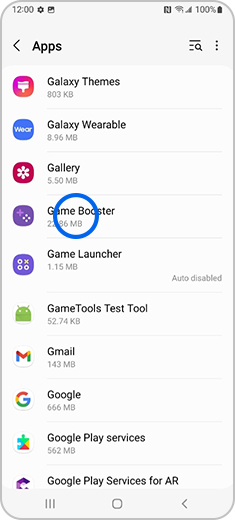
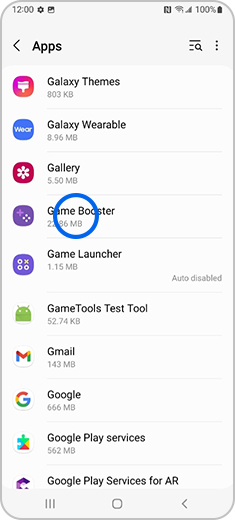
From the list, scroll to select Game Booster.
Note: If Game Booster does not appear on the “Apps” screen, select the Filter and sort button, then turn on “Show system apps”.
Step 3
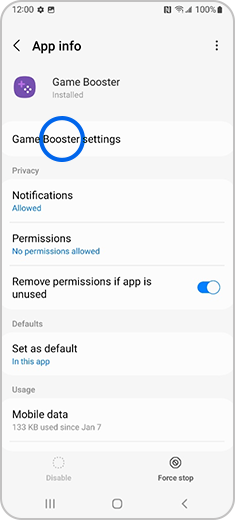
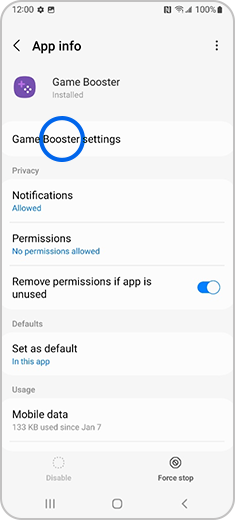
Select Game Booster Settings.
Step 4
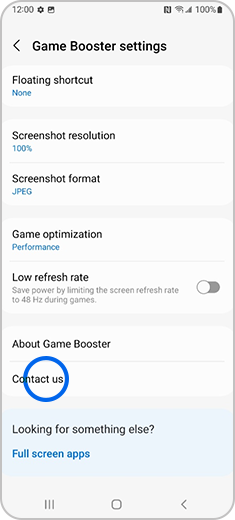
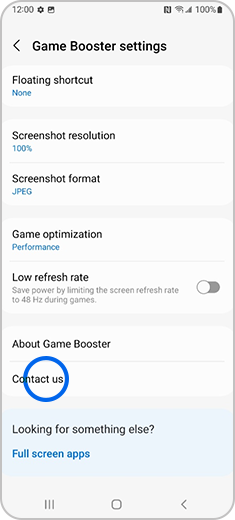
Scroll down and select Contact Us. You will then be redirected to the Samsung Members platform and presented with contact options.
How to Contact Us from the Game Booster Main Screen
You can contact us from the Game Booster main screen using these steps:
For further assistance, please contact our Chat Support. To find your Samsung product's User Manual, head to Manuals & Downloads.
Thank you for your feedback!
Please answer all questions.
Contact Info
Contact us
WhatsApp
![]()
![]()

