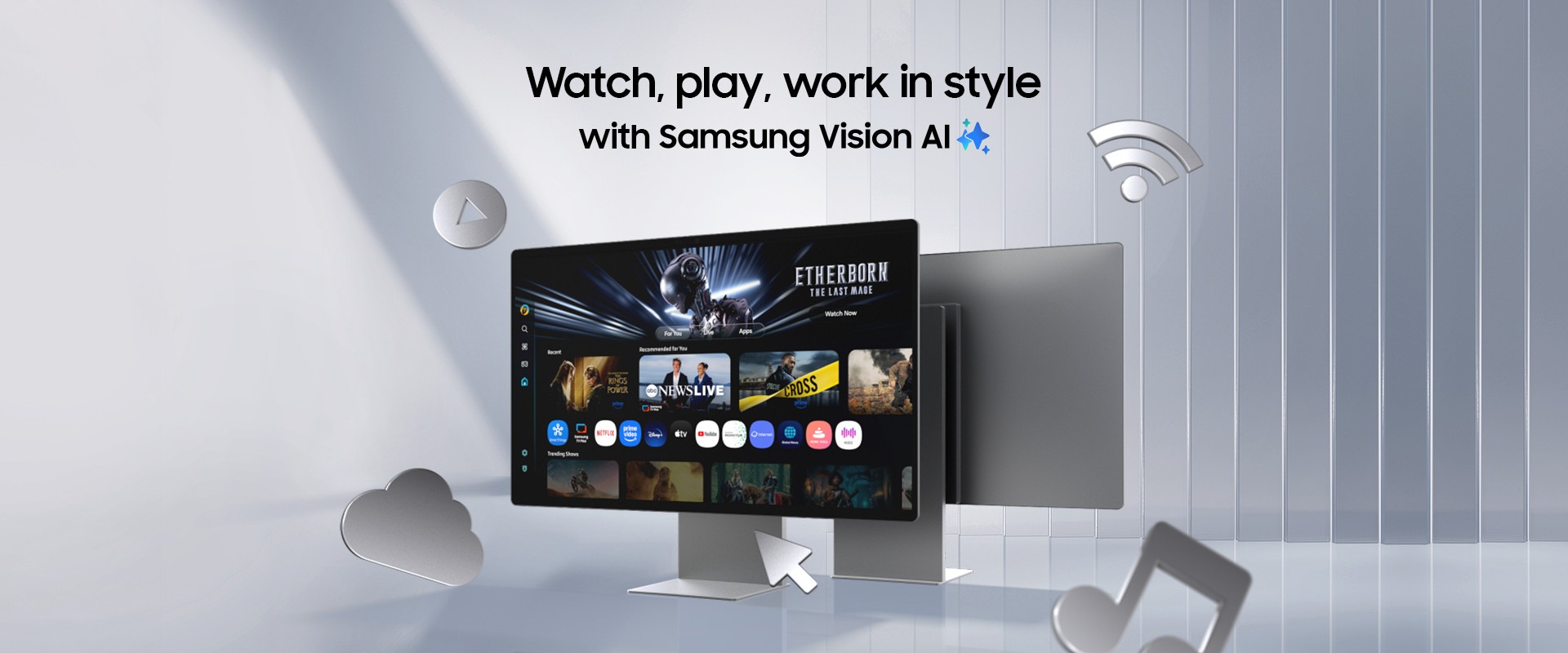
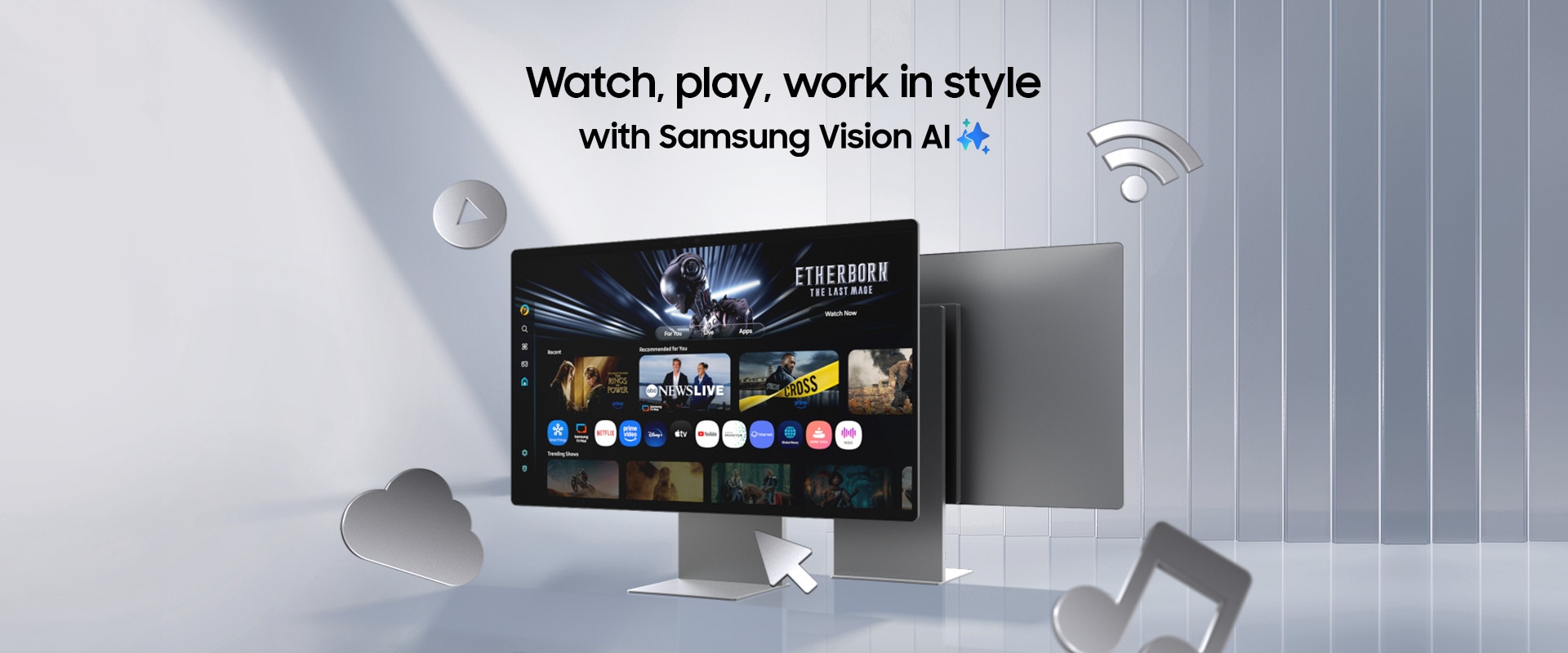
“This is a do-it-all monitor and TV,
perfect for work and play”
Smart Monitor M9 (M90SF)
Techaeris
"functions as a standalone entertainment center, productivity station, and gaming console"
Smart Monitor M9 (M90SF)
HomeTheater Review
“M9 features Samsung Vision AI,
providing advanced upscaling and
picture optimization features”
Smart Monitor M9 (M90SF)
Tom’s Guide, 07/2025
A Monitor & Streaming TV
All in One

Watch Together with Your AI Companion


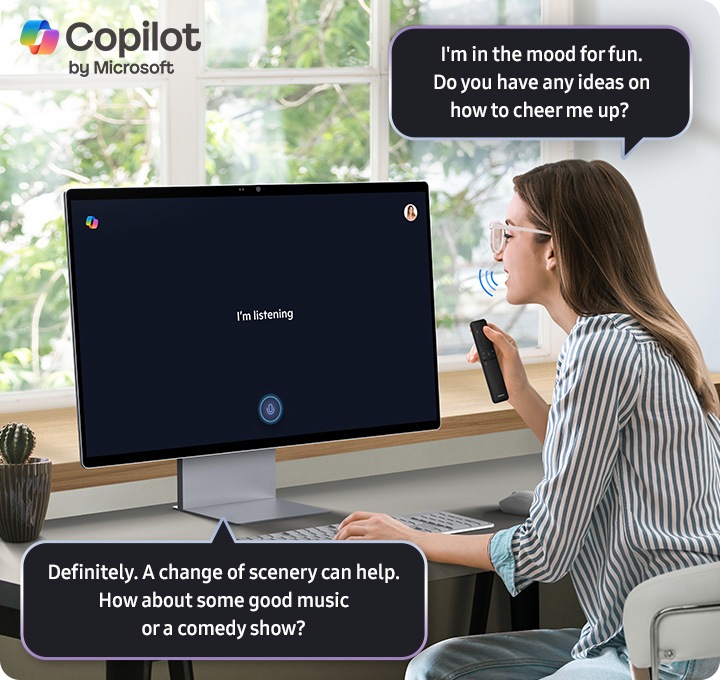
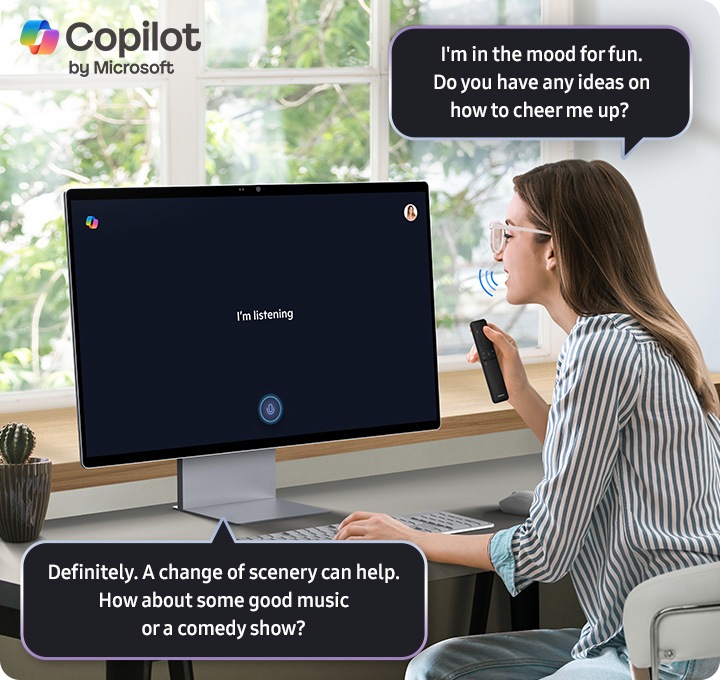
Meet Copilot. Now on Smart Monitor
Copilot
Whether you're looking for answers to complex questions, learn a new language, or prep for an interview —just ask and Copilot responds with smooth, natural-like voice-based answers . Enjoy effortless handsfree conversation right on your monitor.¹
Instant access to live TV and streaming services
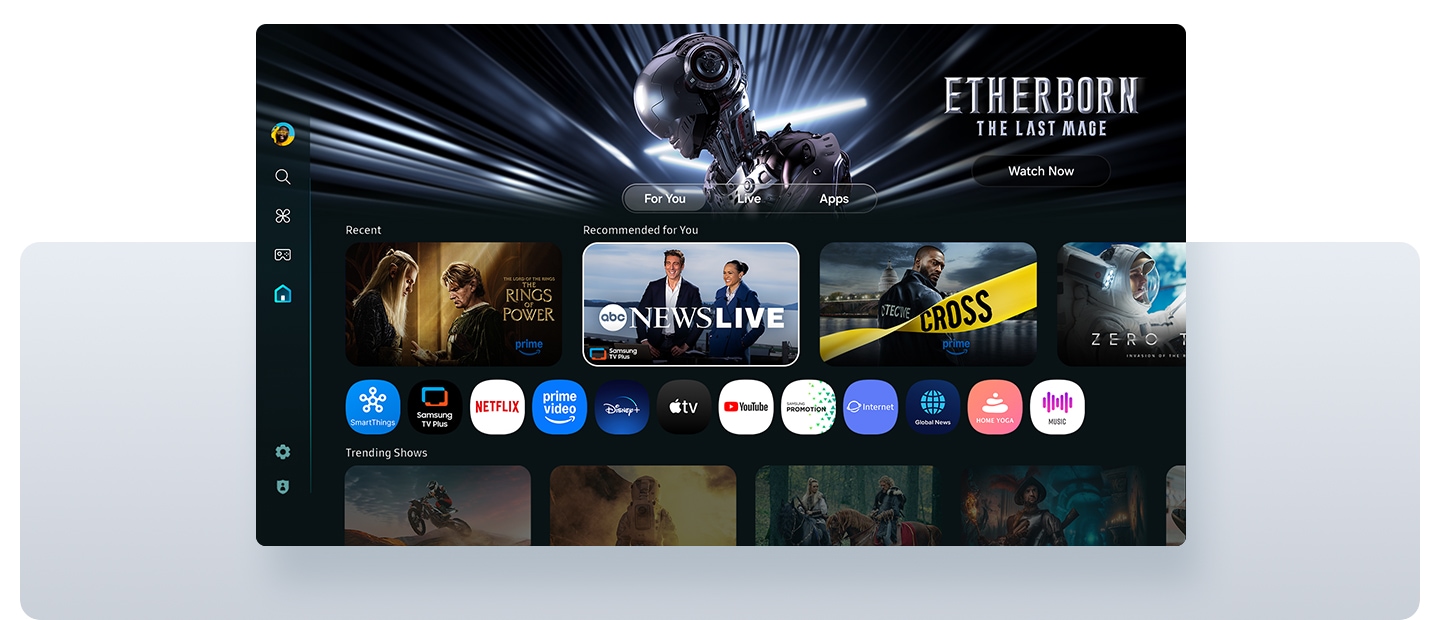
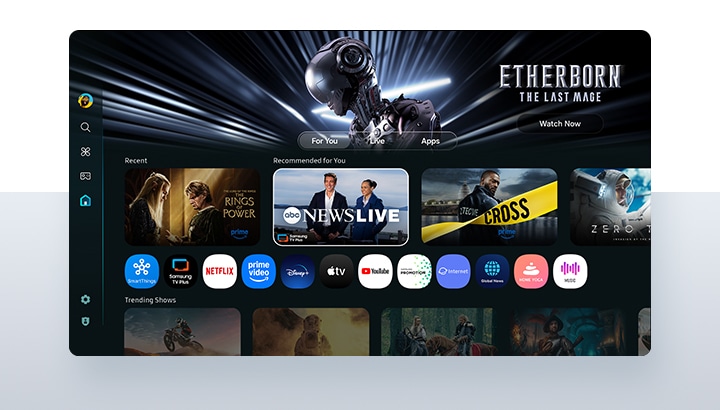
Smart TV Apps
Enjoy your favorite content straight from your Smart Monitor, no PC required. Stream content directly, or tune into Samsung TV Plus to get live TV channels and on-demand shows.²

Enjoy 7 years of
Monitor upgrades
for free³
One UI Tizen
AI-powered Immersive Experiences



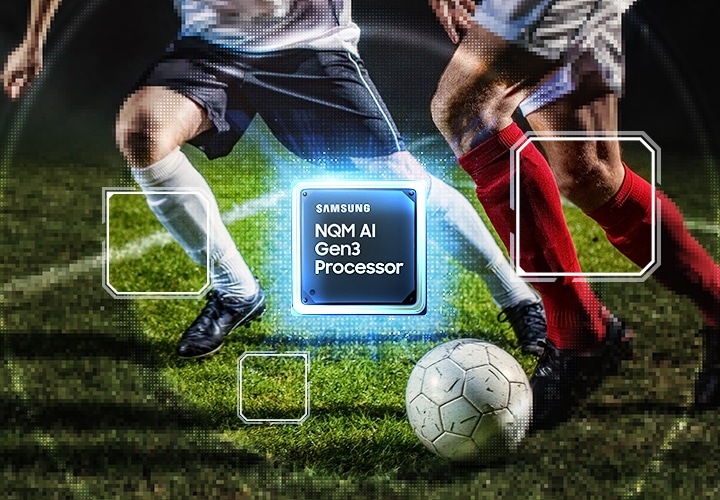

Optimally tailored visuals with AI
AI Picture Optimizer
Whether you’re comfortably working on documents, fully engaging in games with deep and rich blacks, or indulging in vibrant colors while watching videos, AI Picture Optimizer gives you a dynamically optimized viewing experience that matches your content.⁵


Enhanced dialogue clarity with AI


Boost Productivity with Seamless Connection




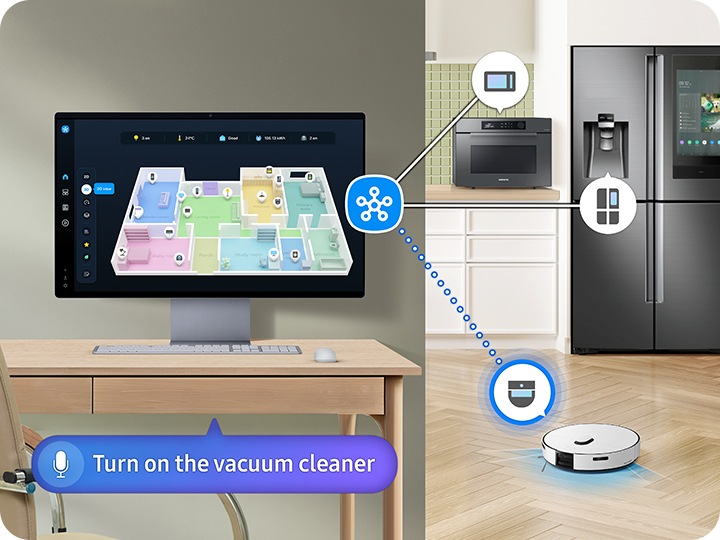
Smart home management, made simple
SmartThings
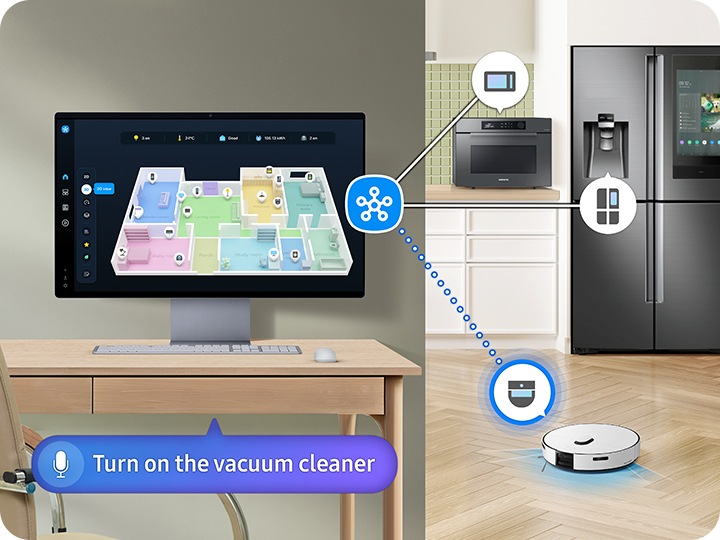
Manage your smart home with ease. See all connected devices at a glance with 3D Map View, track energy usage by device and activate energy-saving mode to cut costs. Simply use your mobile phone or voice commands to access the IoT hub — all while staying immersed in your entertainment.⁸
Your Privacy. Secured on Samsung monitor.
Knox Security
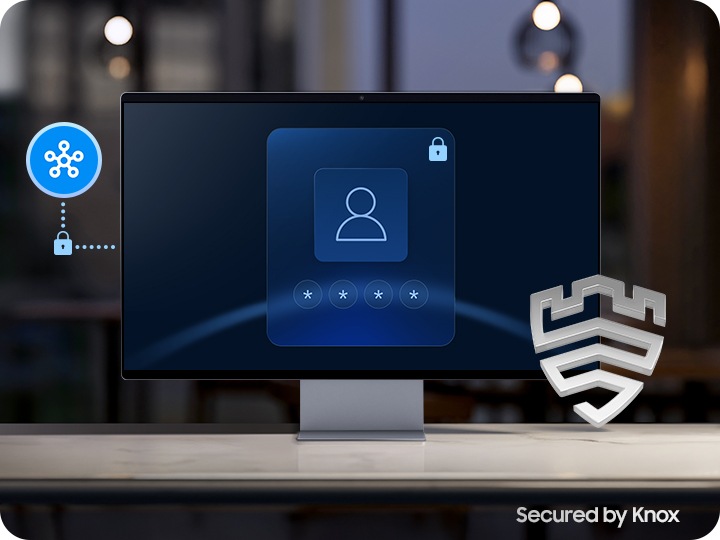
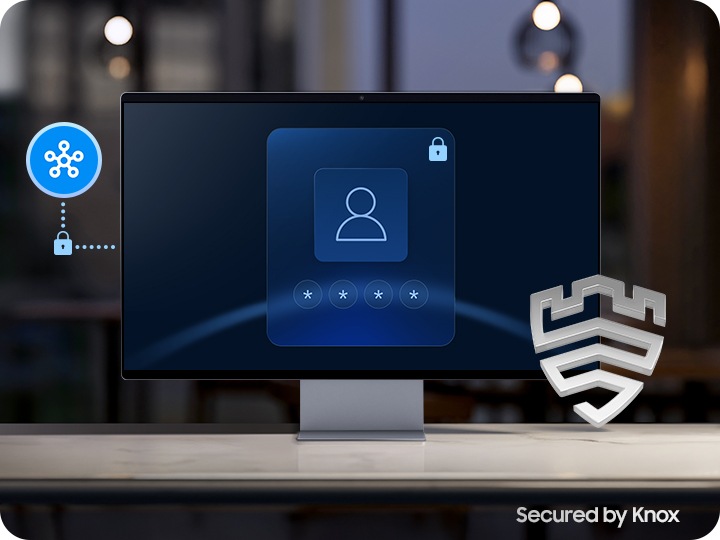
Rest assured that your sensitive data and IoT connections made through your Smart Monitor are secured. Powered by Samsung Knox, your Smart Monitor is protected with robust, multi-layered security and tightly controlled access. Plus, Knox Vault adds an extra layer of protection, safeguarding your information from physical attacks.⁹
Work smarter with easy access to tools
Workspace
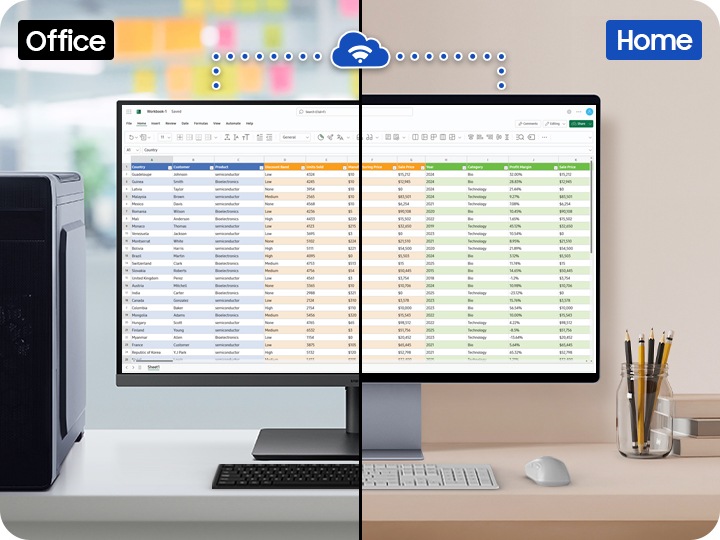
Dive straight into tasks and boost your productivity. Control your PC remotely, access embedded productivity apps like Microsoft 365, and use Multi View to see apps side by side on the same screen.¹⁰
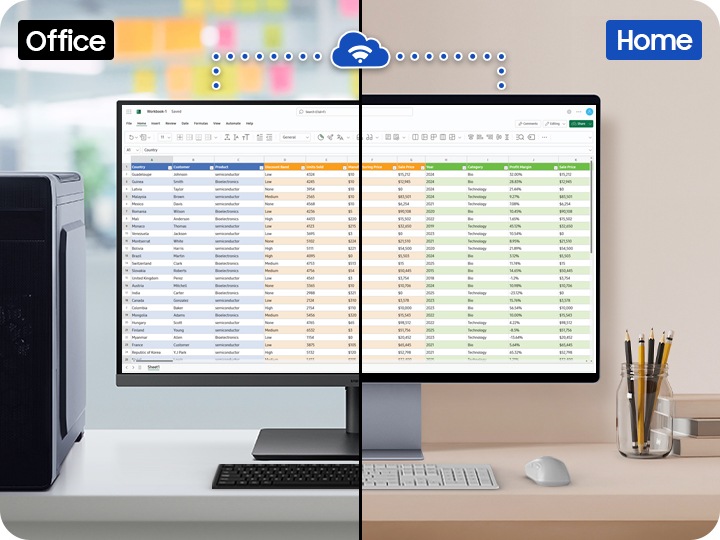
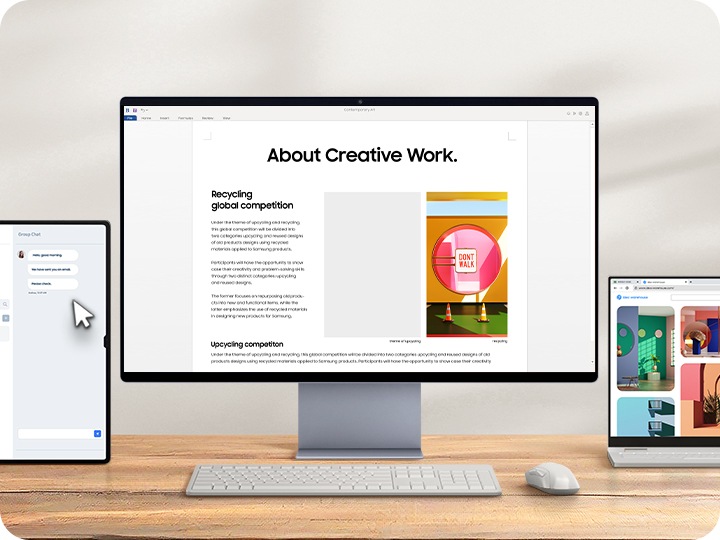
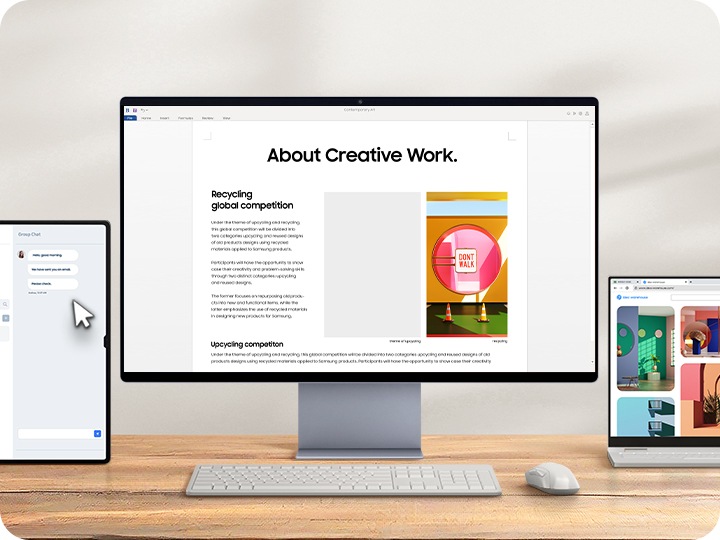
Expand your workflow with seamless control
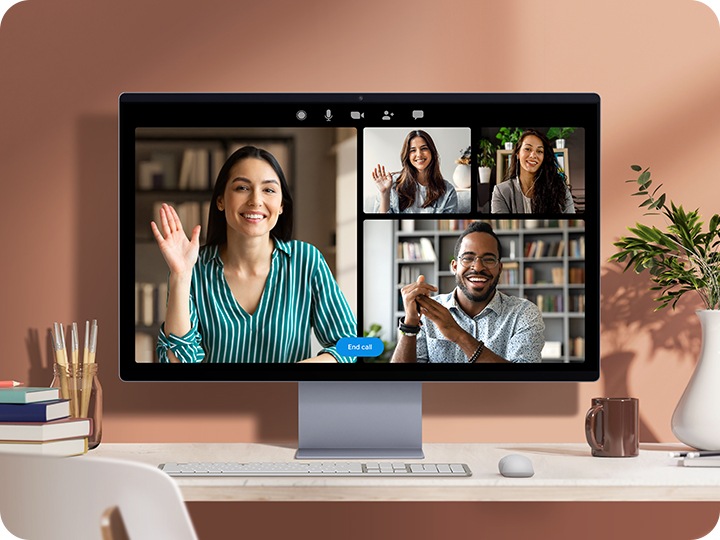
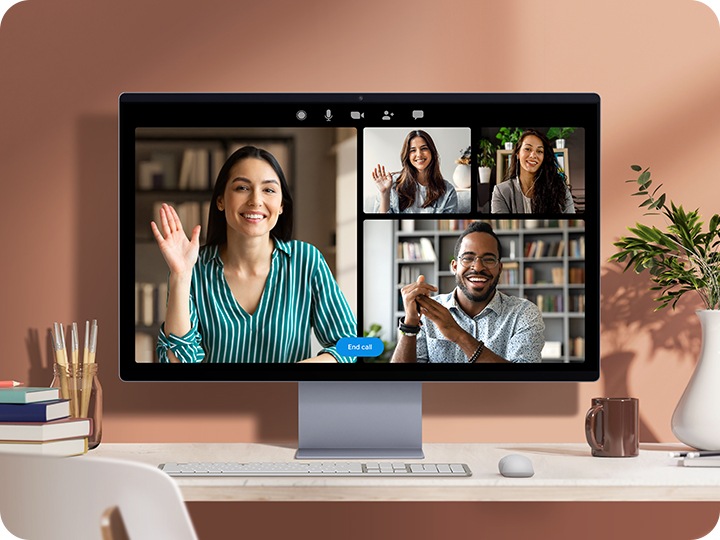
Easy calls with clear video quality
Webcam
Experience crystal-clear video calls effortlessly. The Smart Monitor's high-quality camera captures every detail with clarity, allowing you to show your good side while staying seamlessly connected with your friends, family and coworkers.
Comfort in Style



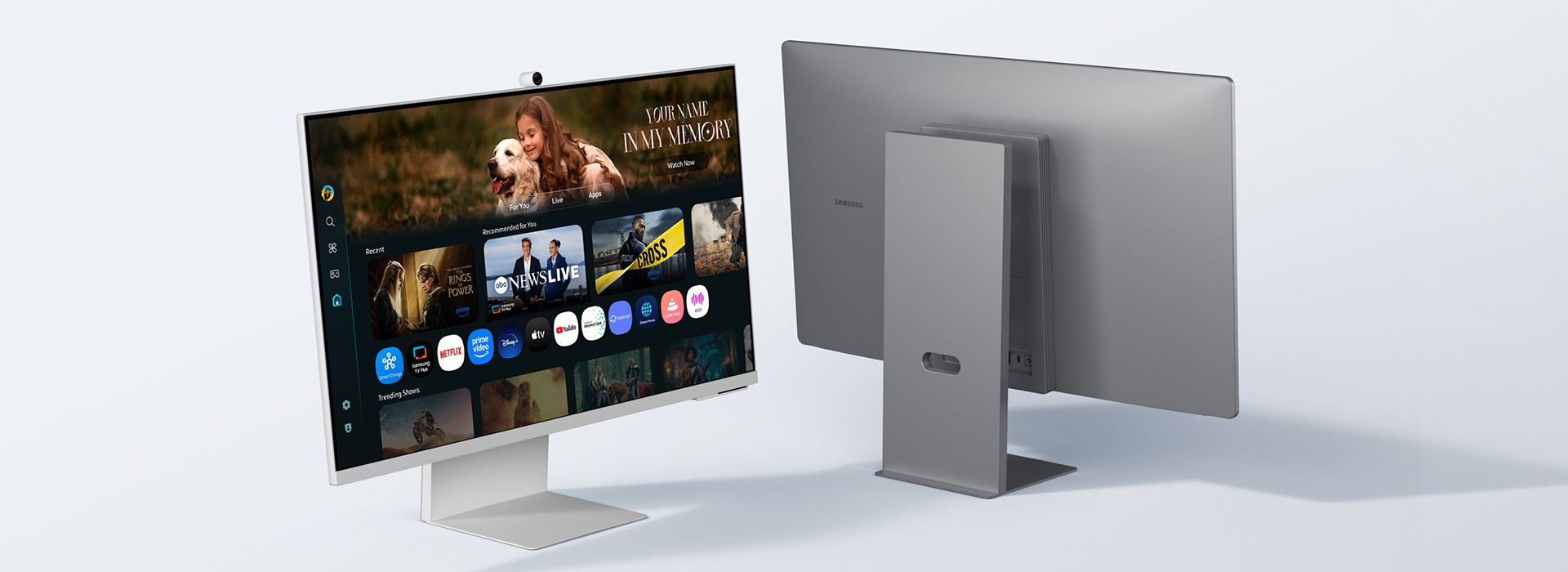
Sleek design for a modern workspace
Elevate your workspace with a stylish look. The M9's slim metal design and M8's iconic slim design add a refined, modern touch to your workspace while giving you enough room for seamless productivity.
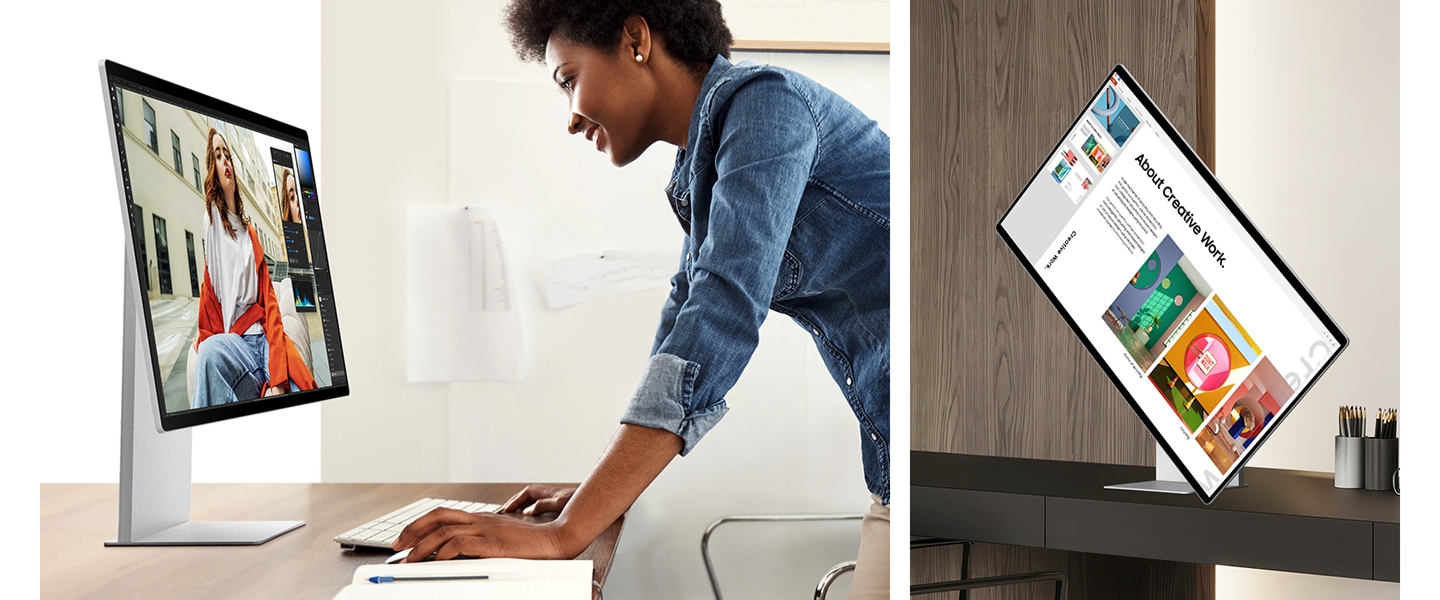
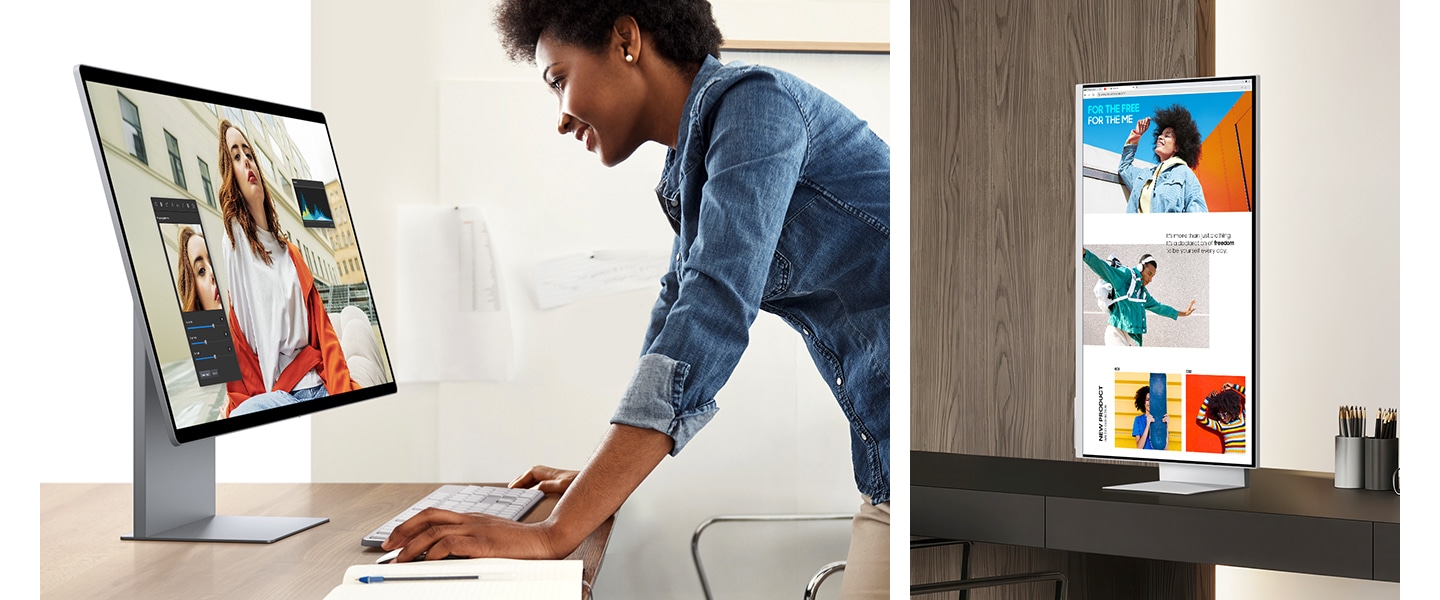
Ergonomic Design
Stay comfortable and productive all day. Smart Monitor's height-adjustable screen with tilt functionality helps you keep a better posture and maintain focus. Plus, the 90-degree pivot feature makes it easier to view long documents with less scrolling.¹²
Choose your Smart Monitor
| table product |


|


|


|
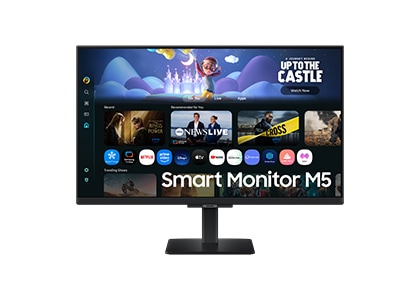
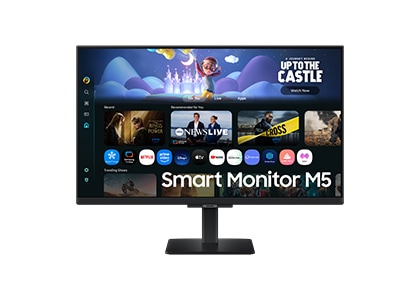
|
|---|---|---|---|---|
| Screen Size | 32" | 32" | 32" / 43" | 32" / 27" |
| Resolution | 4K UHD (3840 x 2160) | 4K UHD (3840 x 2160) | 4K UHD (3840 x 2160) | Full HD (1920 x 1080) |
|
Upscaling
Upscaling is the process of enhancing the resolution of an image or video. This makes your content look rich and sharp, allowing you to see more details with clarity. |
4K AI Upscaling Pro | 4K AI Upscaling | N/A | N/A |
| Panel Type | QD-OLED | VA | VA | VA |
|
Refresh Rate
Refresh Rate refers to how often a display updates an image per second. A high refresh rate delivers ultra-smooth and sharp visuals with less lag, even during intense gaming sessions. |
165Hz | 60Hz | 60Hz | Max 60Hz |
|
Smart TV Apps
Smart TV Apps are applications that provide access to a wide range of streaming content directly from the monitor. |
Yes | Yes | Yes | Yes |
|
Copilot
Embedded in our Smart Monitor, Copilot recommends content tailored to your mood. |
Yes | Yes | Yes | N/A |
|
SmartThings
SmartThings is a platform developed by Samsung that allows you to connect and manage your smart devices in your home seamlessly. |
Yes | Yes | Yes | N/A |
| Speaker | Yes | Yes | Yes | Yes |
| Camera | 4K Built-in Camera | SlimFit Camera | N/A | N/A |
| Stand | HAS, Pivot, Tilt | HAS, Pivot, Tilt | Tilt | Simple |
| Connectivity | USB-C, USB-A(2DN), DP, HDMI | USB-C, USB-A(2DN), HDMI | USB-C, USB-A(3DN), HDMI(2) | Screen Mirror, Wifi, Bluetooth |
| table item cta |
FAQ
-
Can I buy a Samsung Smart Monitor with a 0% monthly instalment plan?Yes. You can choose an interest-free monthly instalment plan at checkout when paying with a participating credit card. The available terms and eligibility will be shown before you complete your order.
-
Are there any offers available on Samsung Smart Monitors?Offers can vary by model and promotion. Check the product page for the monitor you are considering to see the latest deals before you buy.
-
What payment options are available when buying a Samsung Smart Monitor in Malaysia?You can pay in one go by credit or debit card, choose an eligible interest-free instalment plan, or use Buy Now, Pay Later. The options available to you will appear in your basket at checkout.
-
What benefits do I get when buying a Smart Monitor from Samsung Malaysia?When you buy directly from Samsung Malaysia, you can earn Samsung Rewards points, receive free doorstep delivery on selected items and choose an eligible interest-free instalment plan. Your monitor also comes with an official Samsung warranty, and Samsung Care+ is available separately for extra protection.
-
How is a Samsung Smart Monitor different from a gaming monitor?A Smart Monitor adds built-in streaming apps, Wi-Fi, productivity tools and smart-home features, making it useful even without a connected PC. A gaming monitor puts more emphasis on refresh rate, response time and other performance features for play.
-
How do I register my Samsung Smart Monitor?You can register your monitor through Samsung Support. The exact steps may vary by model, so follow the registration guidance shown on the support page.
-
What details are required to register a Samsung Smart Monitor?You will need the monitor's model code and serial number. Use the serial number printed on the monitor itself, rather than the packaging, and check it carefully because the letters and numbers can look similar.
-
Which Samsung Smart Monitor features are useful for everyday use?For everyday use, Smart Monitors provide built-in streaming apps and Samsung TV Plus without requiring a connected PC. Selected models also support Workspace and SmartThings, while some models may receive up to seven years of Tizen OS upgrades. Check the individual model specifications for available features and software support.
-
Can Samsung Smart Monitors be used for photo and video editing?A Smart Monitor is suitable for general productivity and lighter creative tasks. For specialist photo or video editing, check that its resolution and colour performance meet the demands of your workflow.
-
How do Samsung Smart Monitors differ from curved monitors?Smart' refers to connected features such as built-in apps and Wi-Fi, while 'curved' describes the shape of the screen. A monitor may have one or both of these characteristics.
-
Can Samsung Smart Monitors be used for PC gaming?Yes. Smart Monitors are suitable for everyday PC gaming, and the flagship M9 supports a 165 Hz refresh rate, a 0.03 ms response time and NVIDIA G-SYNC compatibility. For more competitive gaming options, look at the Odyssey range.
-
What should I consider when choosing a Samsung Smart Monitor for long-term use?Consider resolution, screen size, connectivity and the smart features you expect to use for work and entertainment.
- 1. Feature specific to M9, M8 and M7 models. The recommended content by Copilot may require a separate purchase or subscription on the platform hosting the content. It may require a Microsoft account log in and agreement to use the Copilot service. Some features and language availability may differ based on geographic location and launch timing. Specifications and availability of remote control may vary by region.
- 2. Features, services and app availability may vary by country and region. Samsung TV Plus and Universal Guide may not be available in some regions. Some features may require separate subscriptions. The user interface is subject to change without notice. Smart Monitor does not include a TV tuner, which is not necessary for streaming apps. Internet connection is required. Remote control specifications vary by country and region. Keyboard and mouse control compatibility varies by app. Access to the full range of smart features, such as network-based services, applications (including games and streaming services), and smart home functionality requires a Samsung Account. Without logging in, functionality is limited to external devices, e.g. via HDMI. You can sign up for a free Samsung Account at https://account.samsung.com; Terms and Conditions apply.
- 3. Content and services may vary by region and are subject to change without notice. Agreement to Smart Hub Terms and Conditions and Privacy Policy is required before use. Some content and services require registration and subscription. Requires Samsung account. Tizen OS upgrades will be supported for up to 7 years starting from 2025, for products released in the year 2025. Please note that the upgrade does not cover hardware-related performance, features or durability.
- 4. Feature specific to M9 model. Viewing experience may vary according to types of content and format. Upscaling may not apply to PC connection and Game Mode.
- 5. Feature specific to M9, M8 and M7 models. Only available when using a PC connection. The supported image quality may vary based on the type of content detected by the function.
- 6. Screen images simulated for illustrative purpose.
- 7. Feature may vary by models.
- 8. Available technology, functions and features may vary by country, service provider, network environment or product, and are subject to change without notice. Requires a Wi-Fi, Bluetooth or other wireless network connection and devices registered to SmartThings app. Connected devices are sold separately. For full compatible device list, please check https://www.smartthings.com/products.
- 9. Samsung Knox safeguards the Smart Monitor and its IoT connections via the SmartThings app. It does not provide direct protection against hacking or physical attacks on IoT devices. Security software updates are guaranteed for at least five years from product launch. Latest software update is required. Knox Vault is supported only in M9 and M8 models.
- 10. Feature specific to M9, M8 and M7 models. Microsoft 365 requires Microsoft account. Some Microsoft 365 features require subscription. Windows 10 Pro, Mac OS 10.5 or higher, and compatible network settings are required for this feature.
- 11. Feature specific to M9, M8 and M7 models. Each device must be registered with a single Samsung Account and connected to the same Wi-Fi network. Multi control requires updated Galaxy phones and tablets with One UI 5.1.1 or above, and Galaxy Book series devices released in 2021 or later with Samsung Settings v1.5 (Intel) or Samsung Settings v3.3 (ARM). Some functions (such as Copy & Paste or Drag & Drop) may not be available when using certain device models and apps. Feature availability may vary by region(e.g. not provided in People’s Republic of China).
- 12. Feature specific to M9 and M8 models.
